
Arbeitsspeicher-Blog

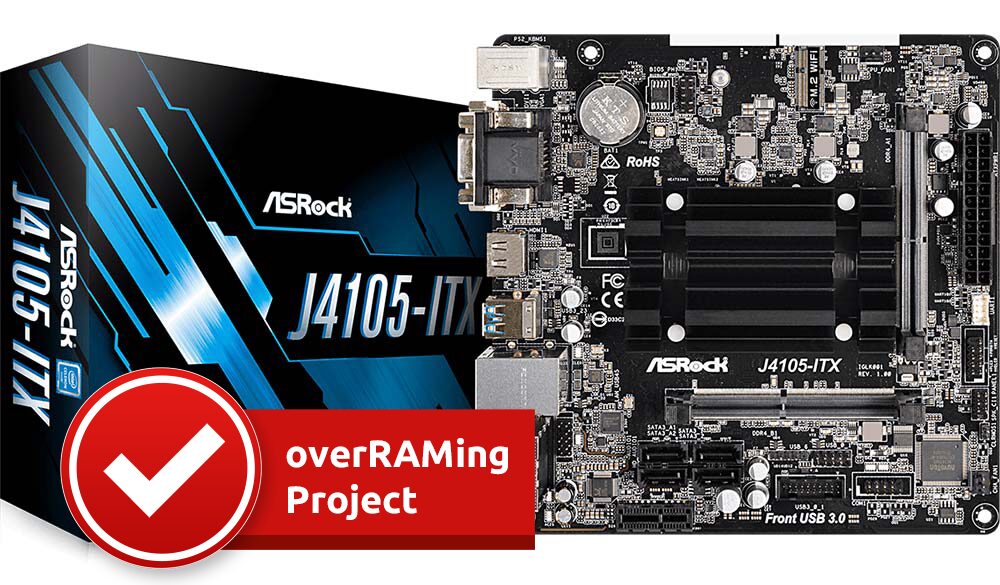
overRAMing ASRock J4105 ITX with 32GB RAM

32GB of RAM – ASRock J4105-ITX – OverRAMing Test

32 GB RAM in ASRock motherboard J4105-ITX - tested and works perfectly!
In our overRAMing test, we were able to successfully prove that the new motherboards with Gemini Lake processors not only allow a maximum of 8GB as described in the manual. In our tests, memory configurations up to a maximum of 32GB (2x16GB) were extensively tested in the memory endurance test. The RAM upgrade works with all Gemini Lake processors!

32GB of RAM – ASRock J4105-ITX – OverRAMing Test Read more »
,
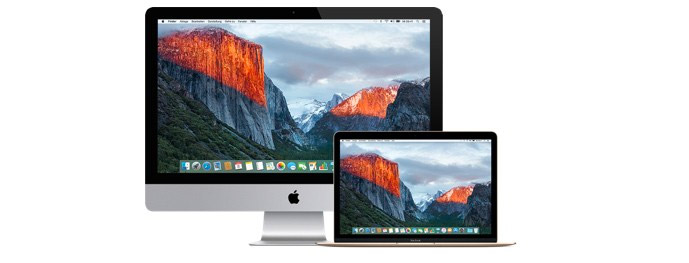
Apple iMac and MacBook with Retina display showing Yosemite National Park as the background image.

How to Find the Right Memory for Your Apple Mac

The information from GHz, Processor or The information from GHz, Processor or the information from MacBook Early 2009 is often not sufficient to find the right memory for your Apple device such as iMac, MacBook, MacBook Pro, Mac Mini, PowerMac, eMAc, iBook..., for example. A serial number doesn't always help either or creates additional work.
We show you how you can quickly and 100% safely find the right RAM for your Apple device.

How to Find the Right Memory for Your Apple Mac Read more »

, ,

Accessibility Toolbar

Scroll to Top