
October 2021: Windows 11 is Released – System Requirements – Supported CPUs – How Much RAM is Needed
Windows 11 will be launched in October 2021.
What are the system requirements? Which CPUs are supported? How much RAM is required ...
Windows 11 will be launched in October 2021.
What are the system requirements? Which CPUs are supported? How much RAM is required ...
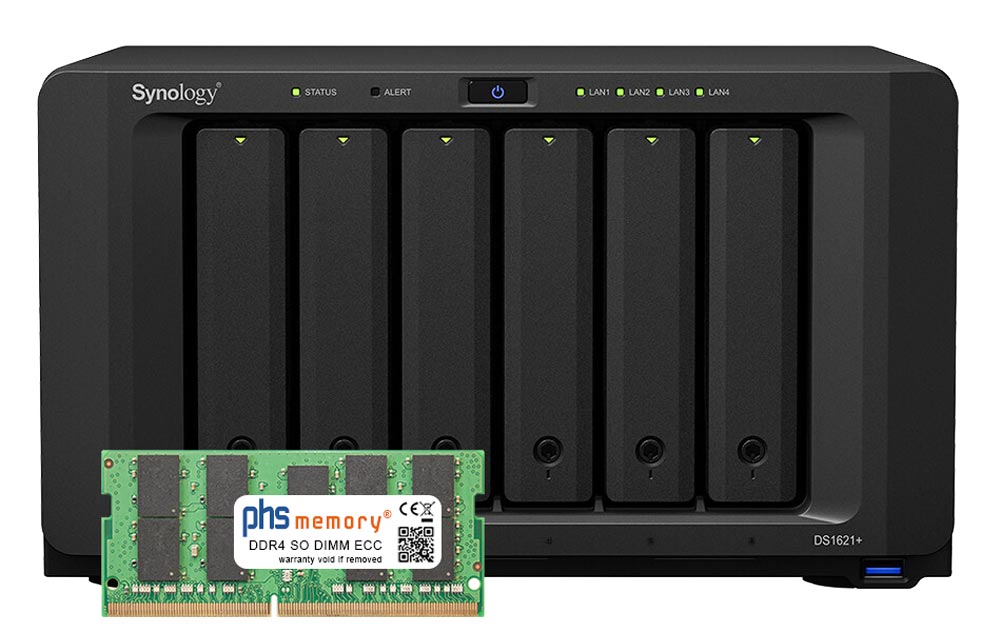
The 16GB ECC SO DIMM memory in Synology systems is a frequently discussed topic in many forums. For example, users who want to upgrade their DS1621+ from 4GB to 32GB are afraid of the high cost of the original Synology memory. On the other hand, there are many 16GB memories that do not work or bring an annoying system message. We have a recommendable alternative...
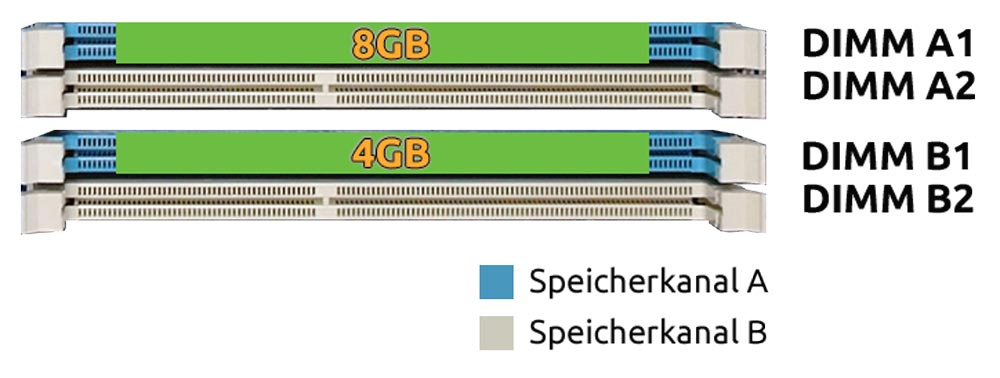
Dual, flex and single channel mode play a decisive role in the optimal utilisation of RAM in a computer system. In this memory blog article, we show the differences and the efficient use of memory modules.
What is the difference between Dual-Channel, Flex Channel, and Single-Channel Mode? Read more »

The memory controller addresses the memory modules in the device. Depending on the processor generation, the memory controller is located in the chipset or directly in the CPU.
Where is the memory controller located? Read more »

For many areas - including the search for the right RAM - it is important to know the exact model designation of your device. We will show you how to find it.
Where can I find the model designation on my device? Read more »

These installation instructions for long DIMM memory modules with 168- 184- or 240 pins illustrate the correct installation of the purchased memory module. Please follow our instructions and tips - then you can safely upgrade your device in just a few minutes.
Installing Memory Correctly – Long-DIMM Read more »
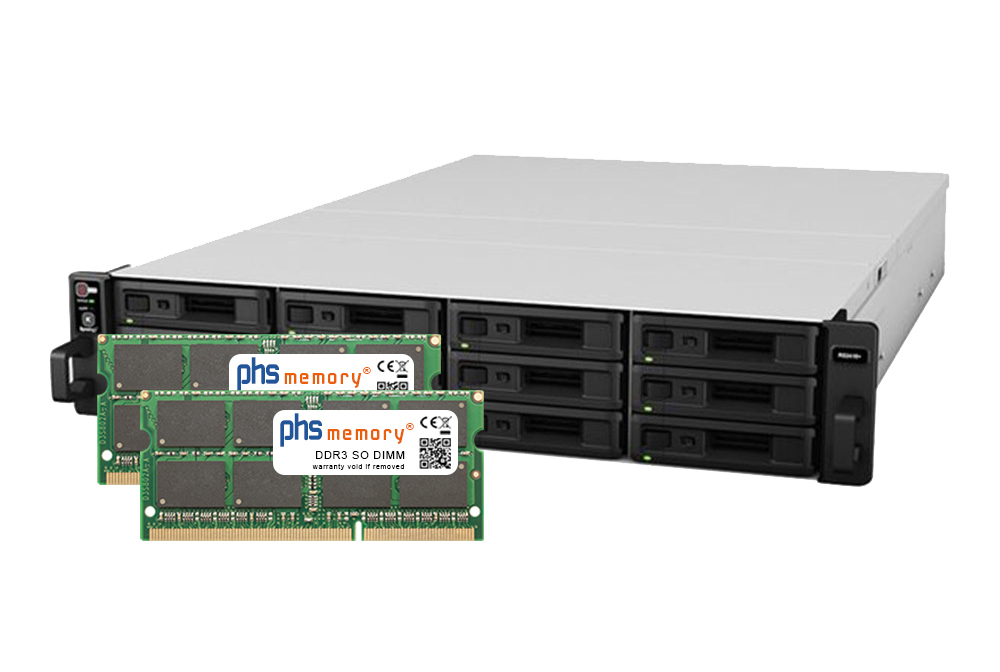
The Synology RackStations RS2416+ and RS2416RP+ are delivered with 2GB of memory according to the Synology technical data sheet. The maximum memory expansion is specified by Synology as 6GB (2GB + 4GB).
Speicher.de took a closer look at the device - the RackStation RS2416+ and RS2416RP+ can be expanded to 16GB or even 32GB without any problems. We show you how it works ...
Upgrade Synology RackStation RS2416+ / RS2416RP+ to 16GB RAM Read more »
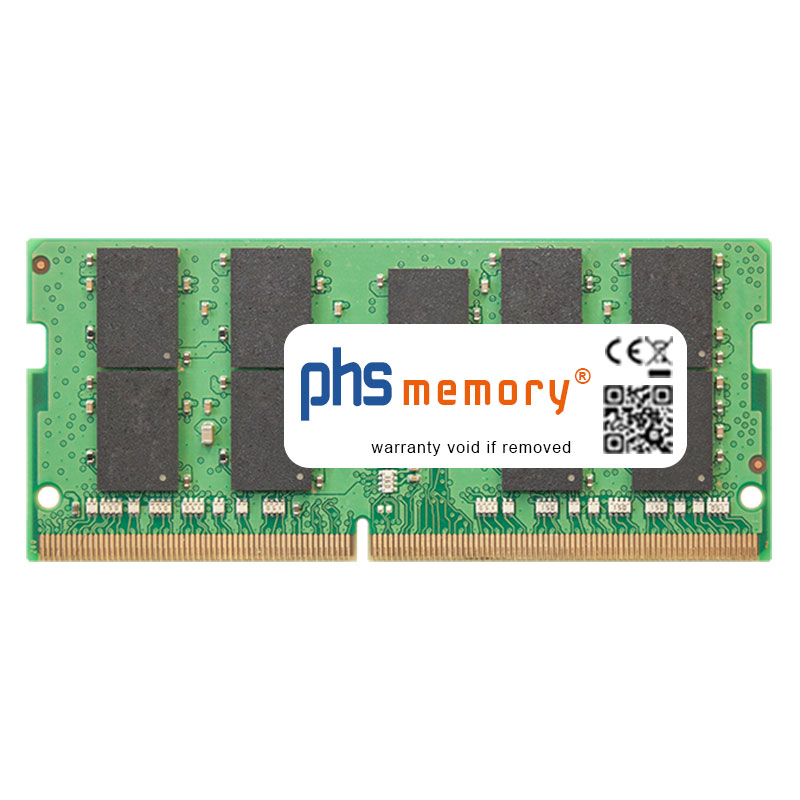
These installation instructions for SO-DIMM memory modules illustrate the correct installation of the purchased memory module. Please follow our instructions and tips - then you can safely upgrade your device in just a few minutes.
Installing Memory Correctly – SO-DIMM Read more »

Many error messages on the printer can be easily rectified by simply expanding the internal working memory in the printer.
Find out which error messages on the printer or which error patterns when printing can be quickly rectified by upgrading the working memory.
Not enough memory in your printer? Read more »
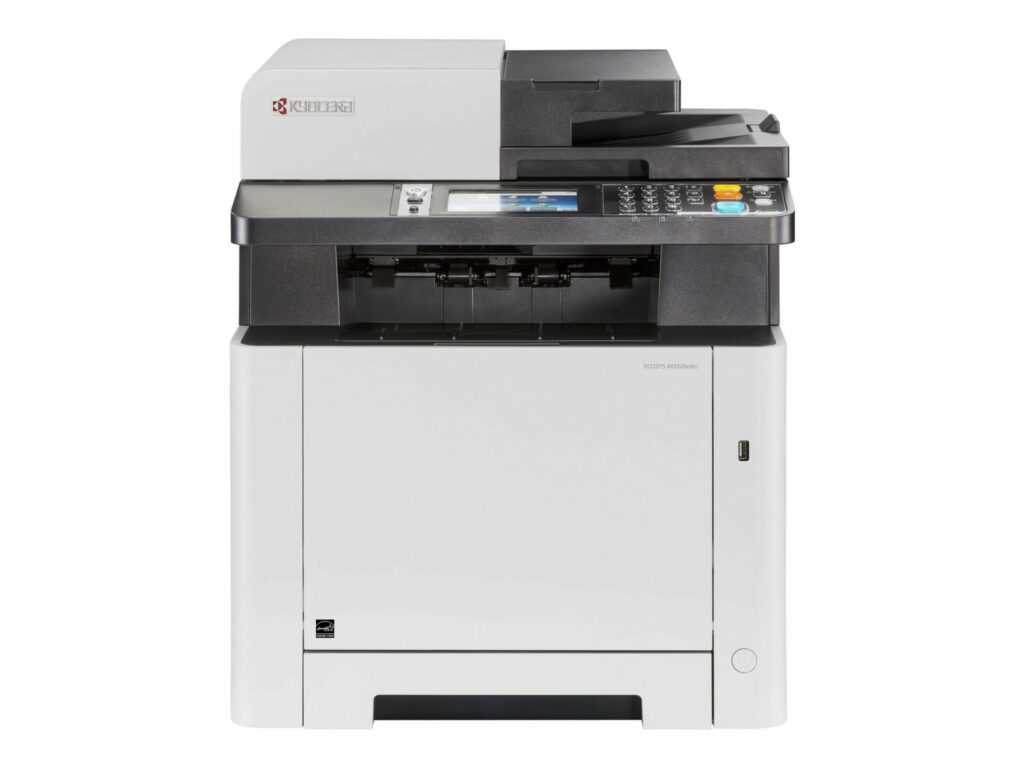
The need to expand the printer memory often arises very suddenly.
If the working memory is not sufficient to produce full-page colour prints, the message ‘Memory allocation failure’ appears. Now a favourable extension of the internal memory is needed quickly...
More Printer Memory Solves "Memory Allocation Failure" Issue Read more »